Best IPTV Apps 2026: TiviMate vs IPTV Smarters Pro — Which Should You Choose?
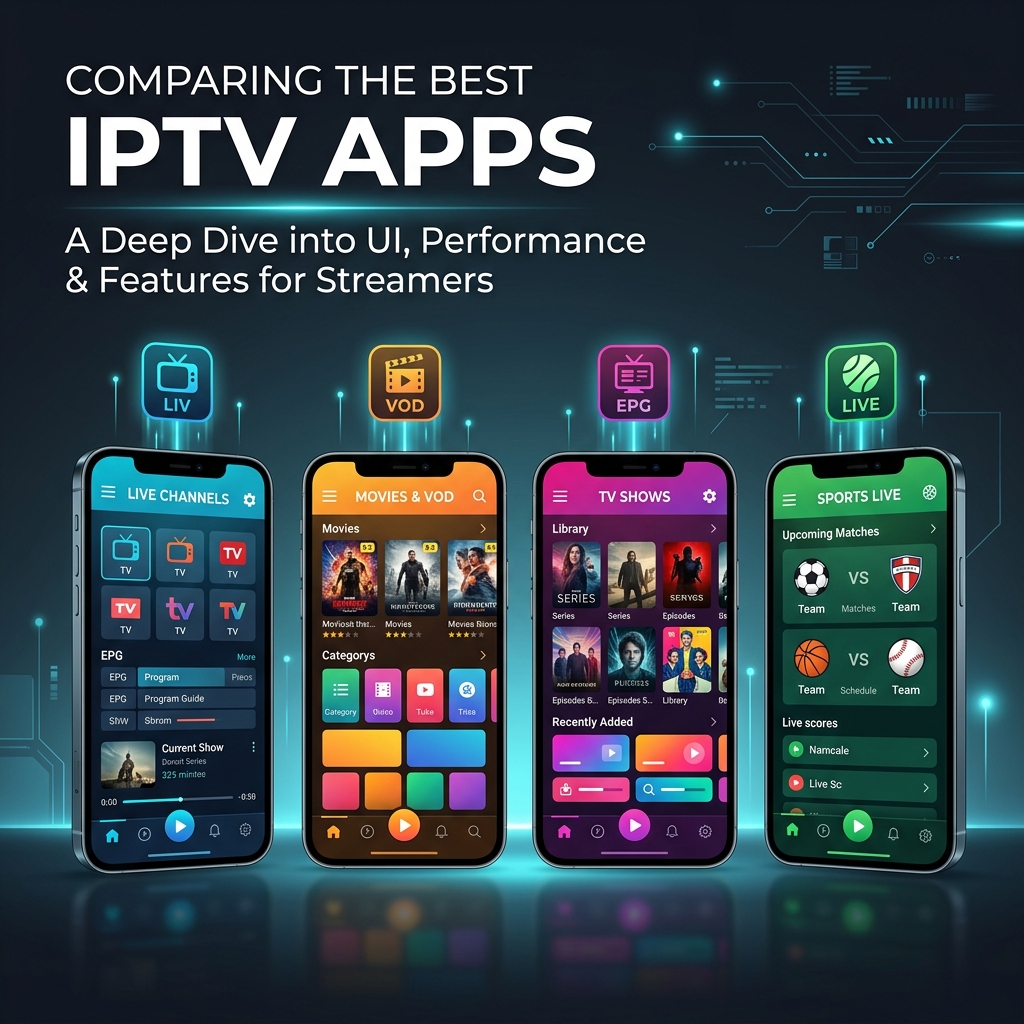
Choosing the right IPTV player app can make or break your streaming experience. The two most popular options — TiviMate and IPTV Smarters Pro — both work brilliantly with Warp IPTV, but they cater to different types of users. In this comprehensive comparison, we'll break down everything you need to know to make the right choice for your device and viewing habits.
Quick Comparison at a Glance
| Feature | TiviMate | IPTV Smarters Pro |
|---|---|---|
| Best For | Fire Stick & Android TV | Smartphones & tablets |
| Interface | Cable TV-style, EPG-focused | Grid-based, visual |
| EPG (TV Guide) | Excellent — full grid EPG | Basic EPG |
| Catch-Up / Replay | Yes — integrated | Yes — integrated |
| Multi-Playlist | Yes (Premium) | Yes (free) |
| Price | Free / £5.49/year Premium | Free |
| Platforms | Android, Fire Stick | Android, iOS, Windows, Mac |
| Recording (DVR) | Yes (Premium) | No |
| Favourites | Yes — custom groups | Yes — basic list |
TiviMate: The Power User's Choice
TiviMate is widely considered the best IPTV player for Amazon Fire Stick and Android TV devices. Developed by AR Mobile Dev, it delivers a traditional cable TV-like experience with a full electronic programme guide (EPG) that makes channel browsing feel familiar and intuitive.
TiviMate Pros
- Best EPG implementation — Full grid-style TV guide with programme descriptions, schedule times, and one-click channel switching. It feels like using a real cable box.
- Picture-in-picture — Watch one channel while browsing others. Perfect for sports fans who want to keep an eye on multiple matches.
- DVR recording — Record live TV to watch later (Premium feature). Ideal for catching up on shows you missed.
- Channel groups and favourites — Create custom channel lists organised by category, language, or preference.
- Buffer-free performance — Optimised for Fire Stick hardware with minimal resource usage.
- Auto-start — TiviMate can launch automatically when your Fire Stick boots up.
TiviMate Cons
- Only available on Android and Fire Stick — no iOS or Windows version.
- Premium features (DVR, multi-playlist, recording) require a yearly subscription (£5.49/year).
- Not available on the official Google Play Store — requires sideloading on some devices.
IPTV Smarters Pro: The Universal Option
IPTV Smarters Pro is the most versatile IPTV player available, running on Android, iOS, Windows, and Mac. Its visual grid interface makes browsing channels, movies, and series feel like using a modern streaming app.
IPTV Smarters Pro Pros
- Cross-platform compatibility — Works on virtually every device: Android, iOS, Windows, Mac, and many Smart TVs.
- Completely free — No premium tier, no subscriptions, no in-app purchases.
- Easy Xtream Codes login — Simply enter your server URL, username, and password. Setup takes under 2 minutes.
- Clean visual interface — Beautiful grid layout with channel logos, movie posters, and category organisation.
- Multi-playlist support — Add multiple IPTV providers and switch between them.
- Parental controls — Lock specific channels or content categories with a PIN code.
IPTV Smarters Pro Cons
- EPG is basic compared to TiviMate — lacks the full grid guide experience.
- No DVR/recording capability.
- Can feel sluggish on older Fire Sticks with limited RAM.
- The iOS version has fewer features than the Android version.
Other IPTV Apps Worth Considering
Beyond TiviMate and Smarters Pro, several other apps work well with Warp IPTV:
- IBO Player / IBO Pro Player — The best choice for Samsung and LG Smart TVs. Clean interface with easy playlist management.
- Smart IPTV (SIPTV) — A legacy favourite for Smart TVs. Simple but reliable.
- XCIPTV Player — A lightweight alternative with a clean UI, good for low-powered devices.
- HOT Player — A newer, modern IPTV player with a sleek design and smooth performance.
- VLC Media Player — Free, open-source, and available on every platform. Best for PC and Mac users who prefer simplicity.
Our Recommendation
For the best overall Warp IPTV experience, here's what we recommend:
- Fire Stick / Android TV: TiviMate (Premium) — the EPG and DVR features are unmatched.
- Smartphone / Tablet: IPTV Smarters Pro — free, cross-platform, and easy to use.
- Samsung / LG Smart TV: IBO Player — purpose-built for Smart TV interfaces.
- PC / Mac: VLC Media Player or IPTV Smarters desktop app.
No matter which app you choose, Warp IPTV provides full compatibility and our support team can help you set up on any device via WhatsApp. Visit our installation guide for step-by-step setup instructions.